God rays effect
Cast rays of light from the top of the screen. This won't work well if shown on top of the background color of the scene. Be sure to use an object acting as a background or a floor.
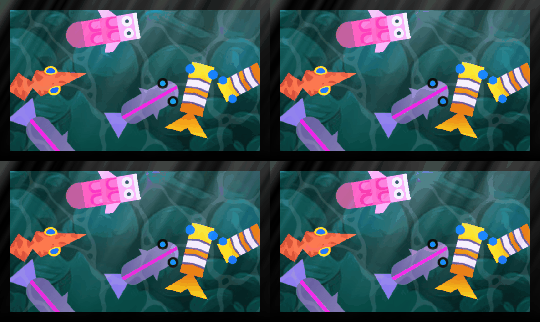
The Angle tilts the rays and the Center X/Center Y move the point the light seems to come from (useful to make the rays originate from a window or the sun). Light controls how far the rays reach and Gain how bright they are. The rays are animated over time: set the Animation speed to 0 to keep them perfectly still.
Enabling Parallel makes all rays point in the same direction (like distant sunlight); disabling it makes them spread out from the center point (like a nearby light source).
Reference
All effects are listed in the effects reference page.